About the project
Live view, recorded video and analytics events in one app. The task: ship an MVP in two months. Design and development ran in parallel, so decisions had to be fast and ready for the team to build right away.
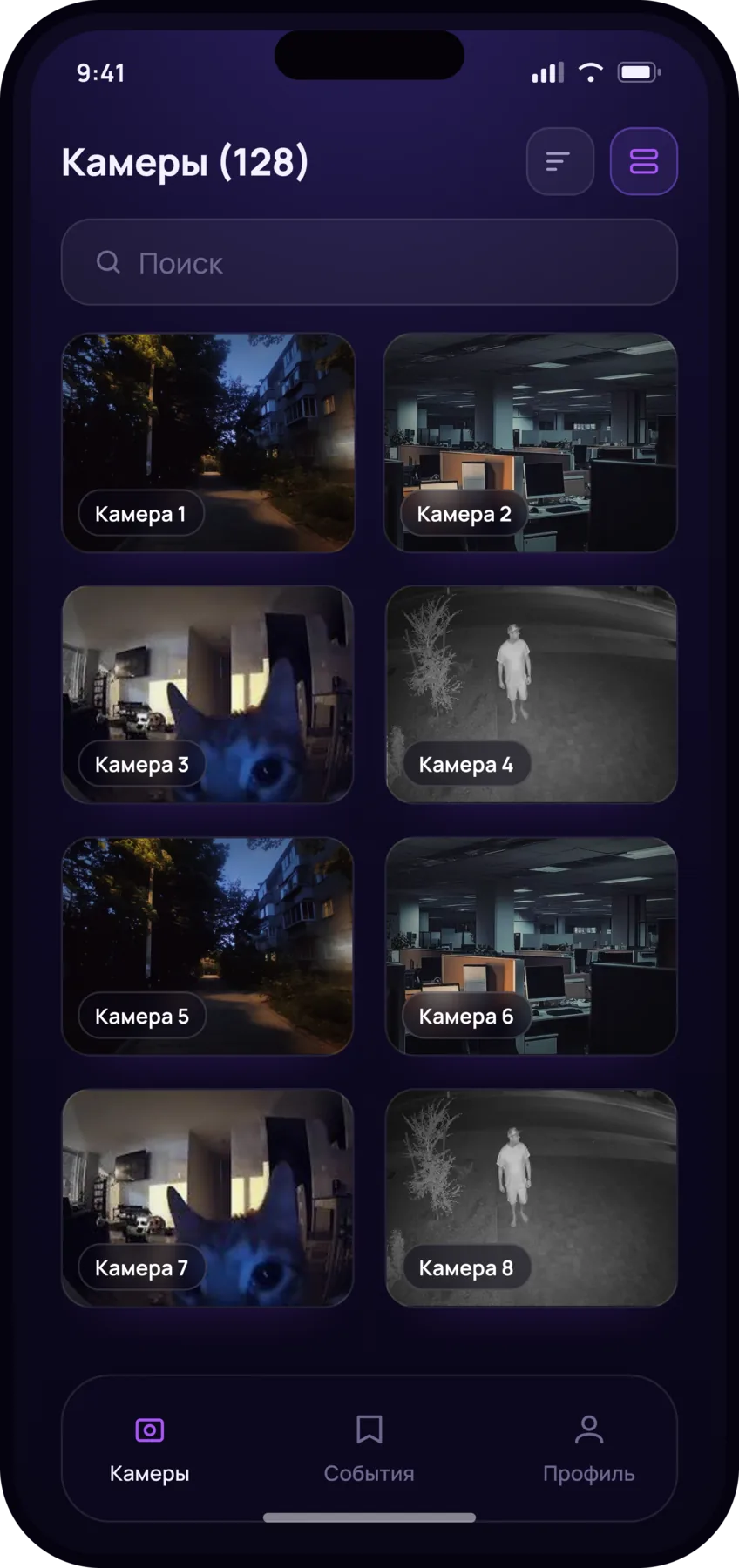
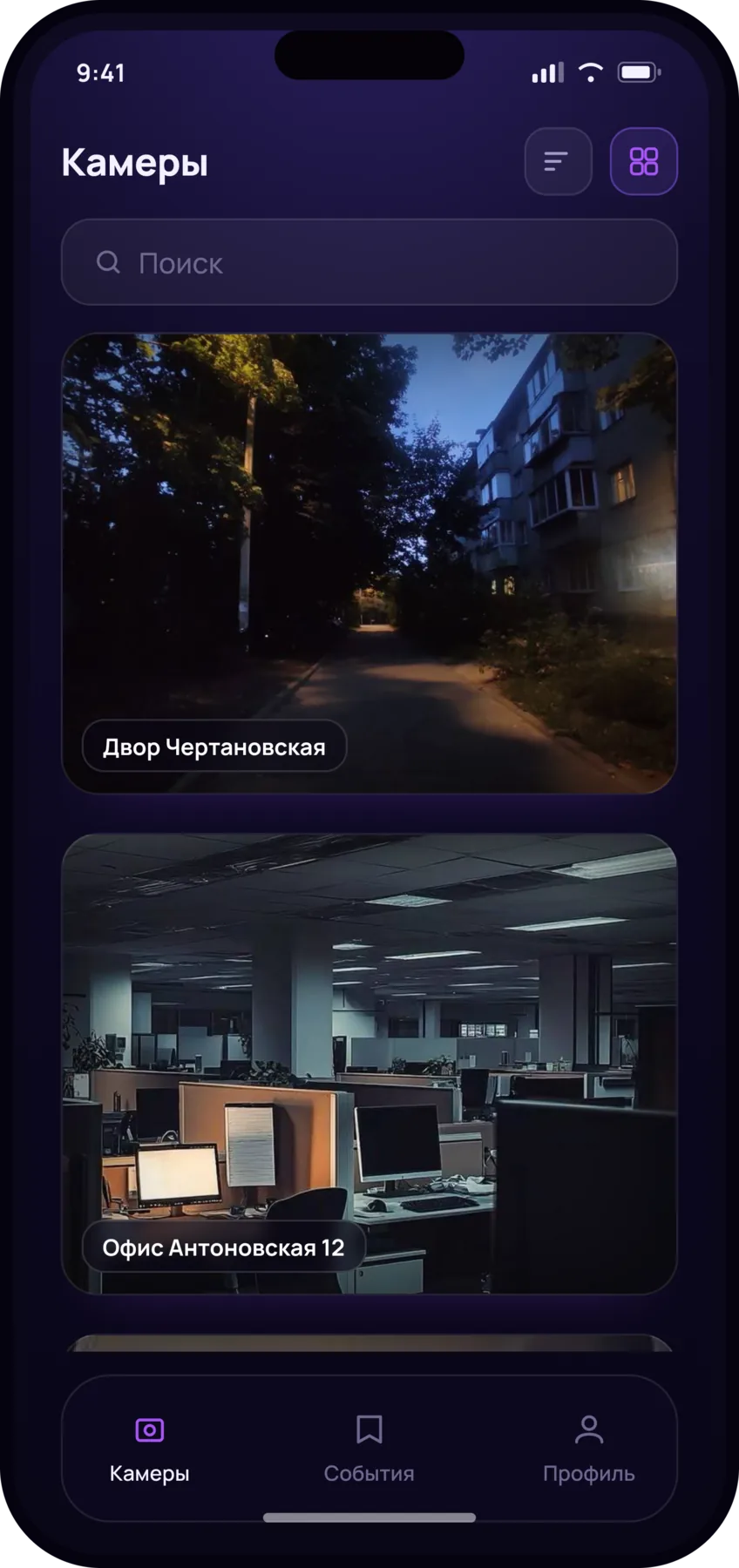
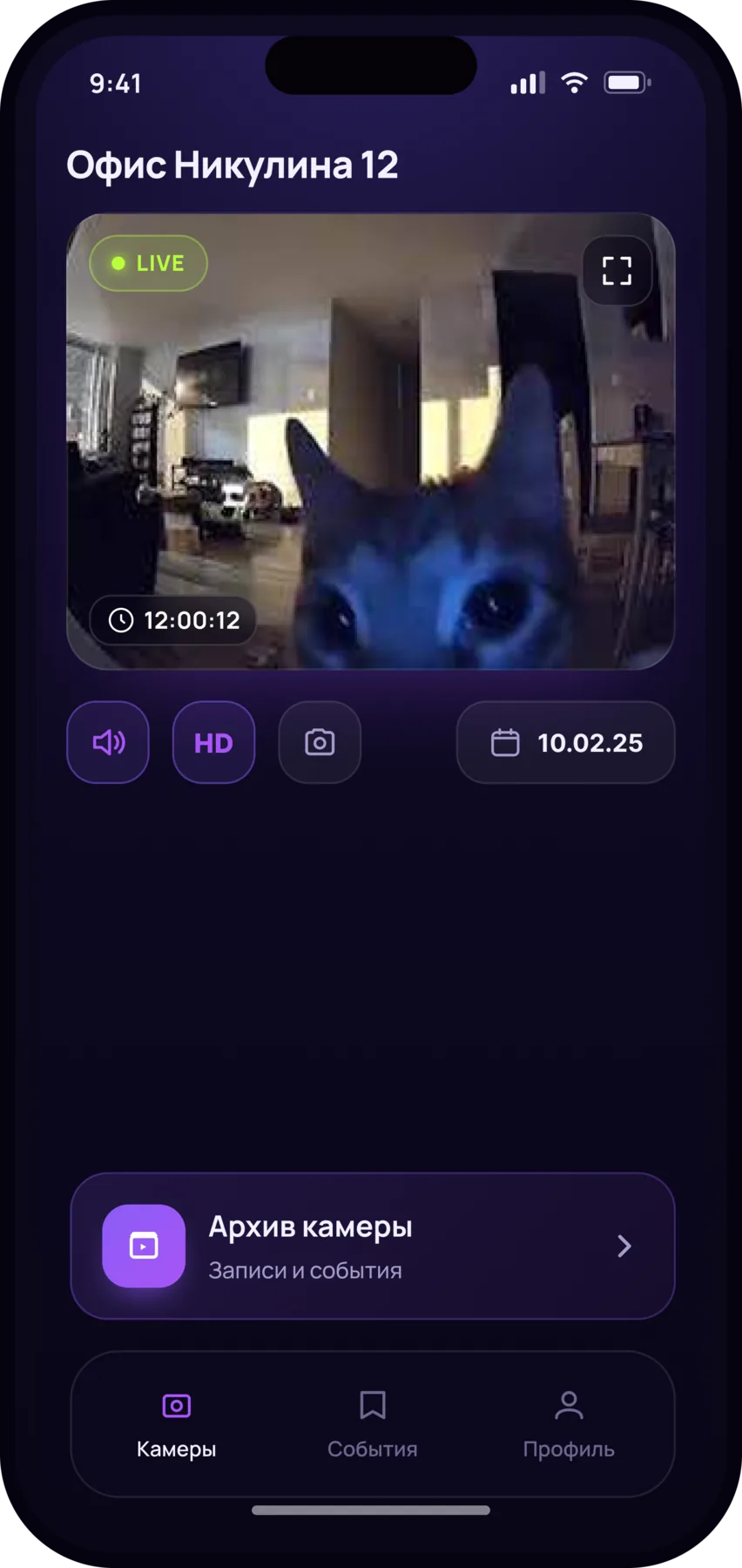
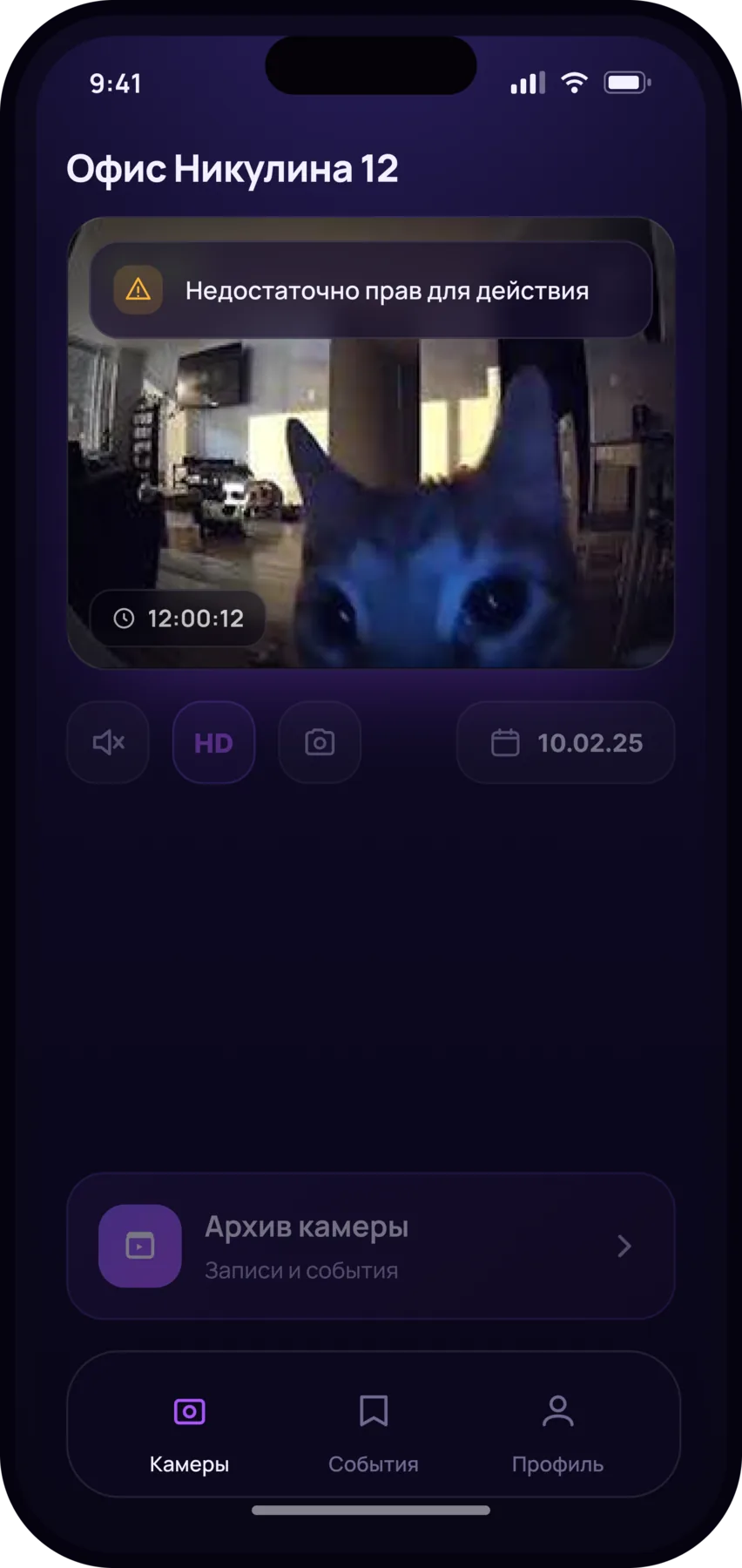
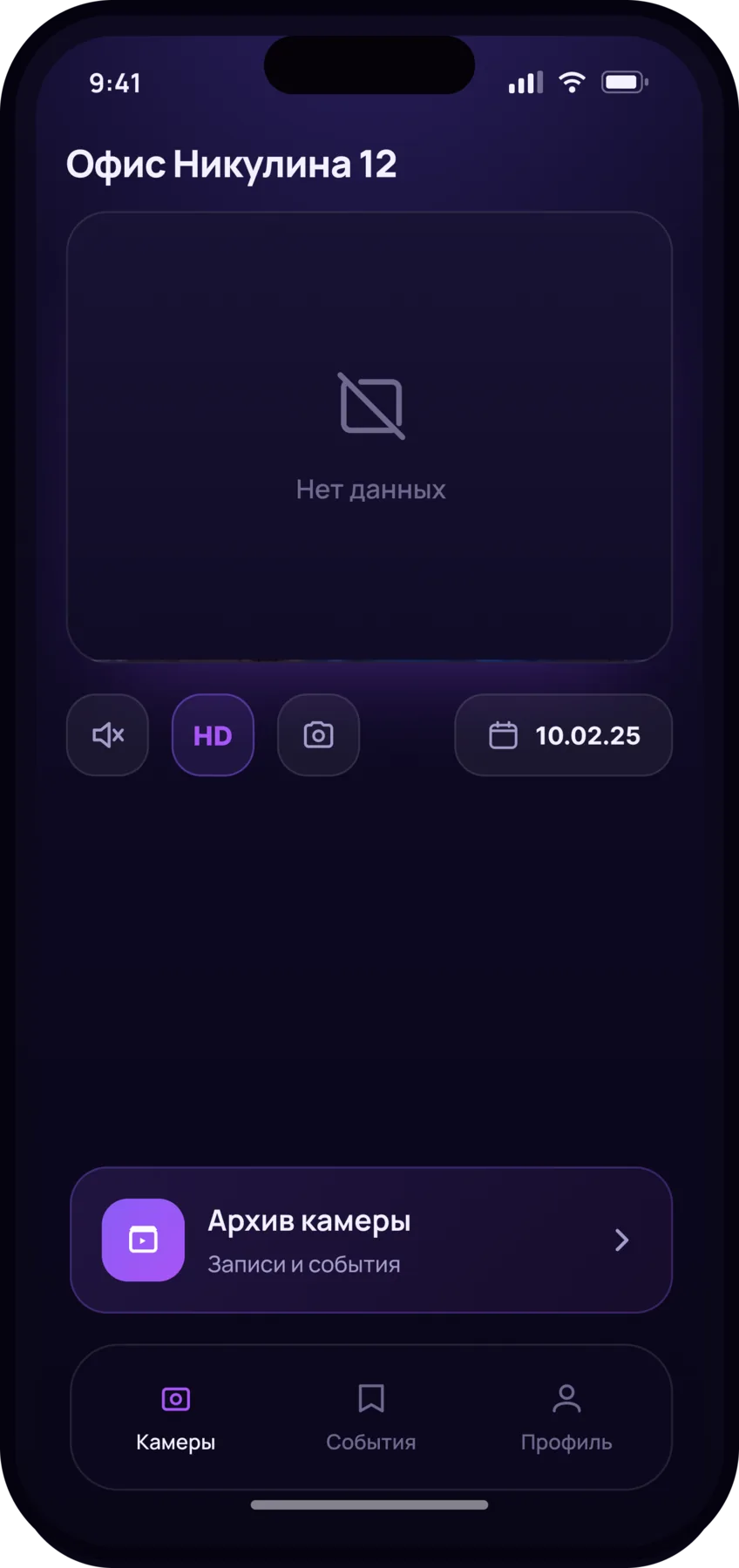
The camera list, live view and the archive are the screens the app starts on.
My role
Sole designer on the project: I took it from the business and functional requirements through to the screens and the handoff to development. I designed sign-in, the camera list and live view, the archive with its export, the event feed with video analytics, and the screen states.
Cameras and live video
Cameras are shown as cards with a still frame, and the layout switches between grid and list. Tapping a card opens the live stream: audio, stream switching, fullscreen.
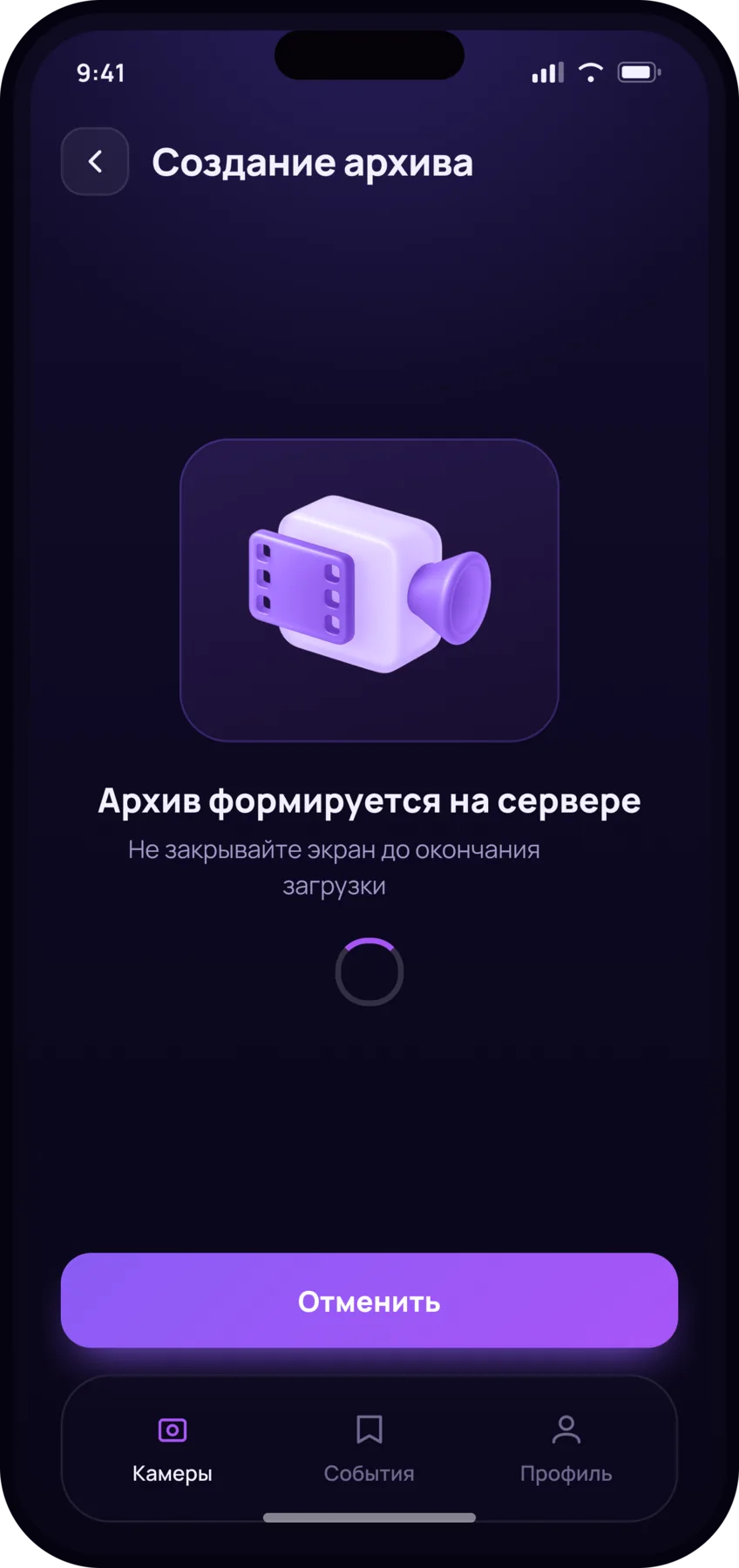
Archive
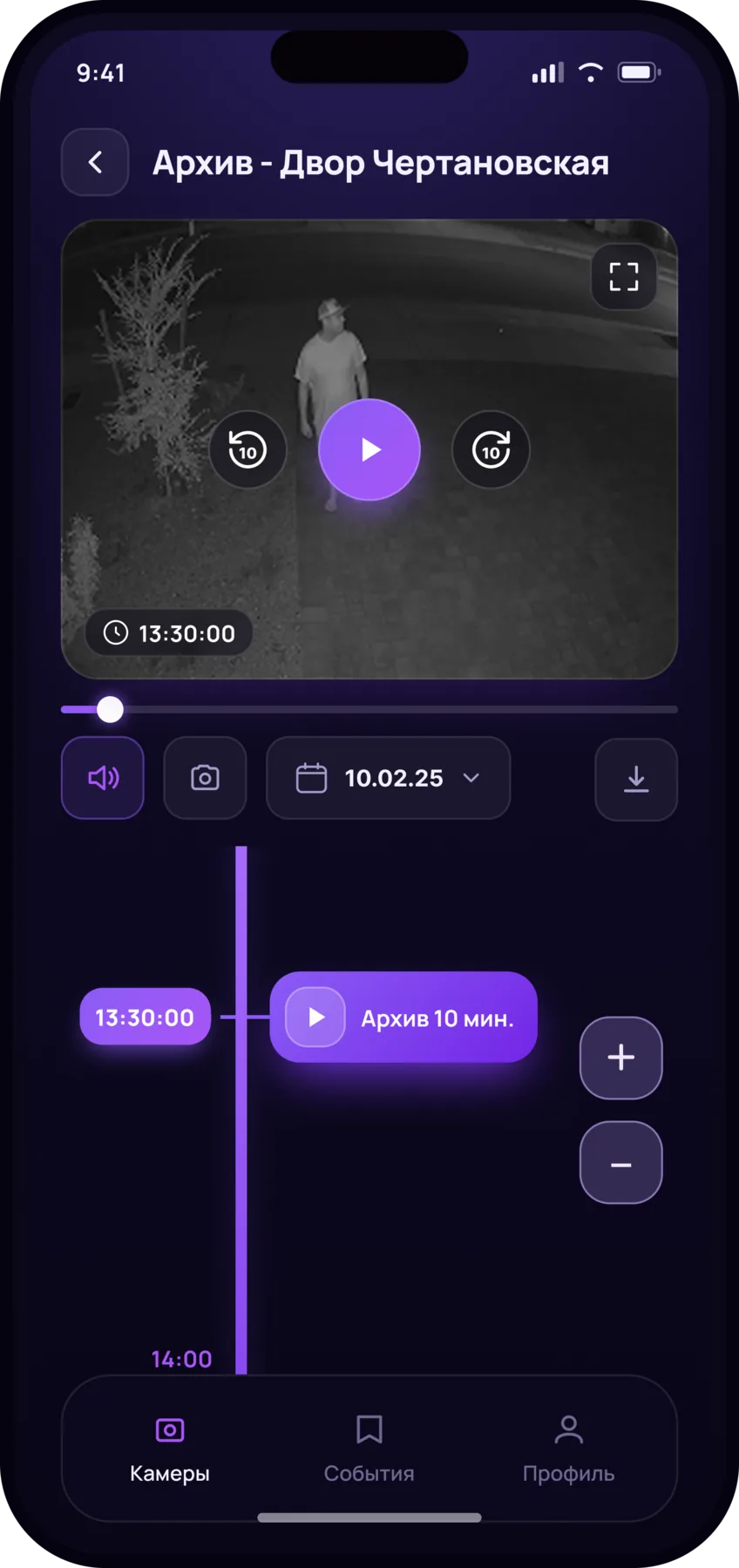
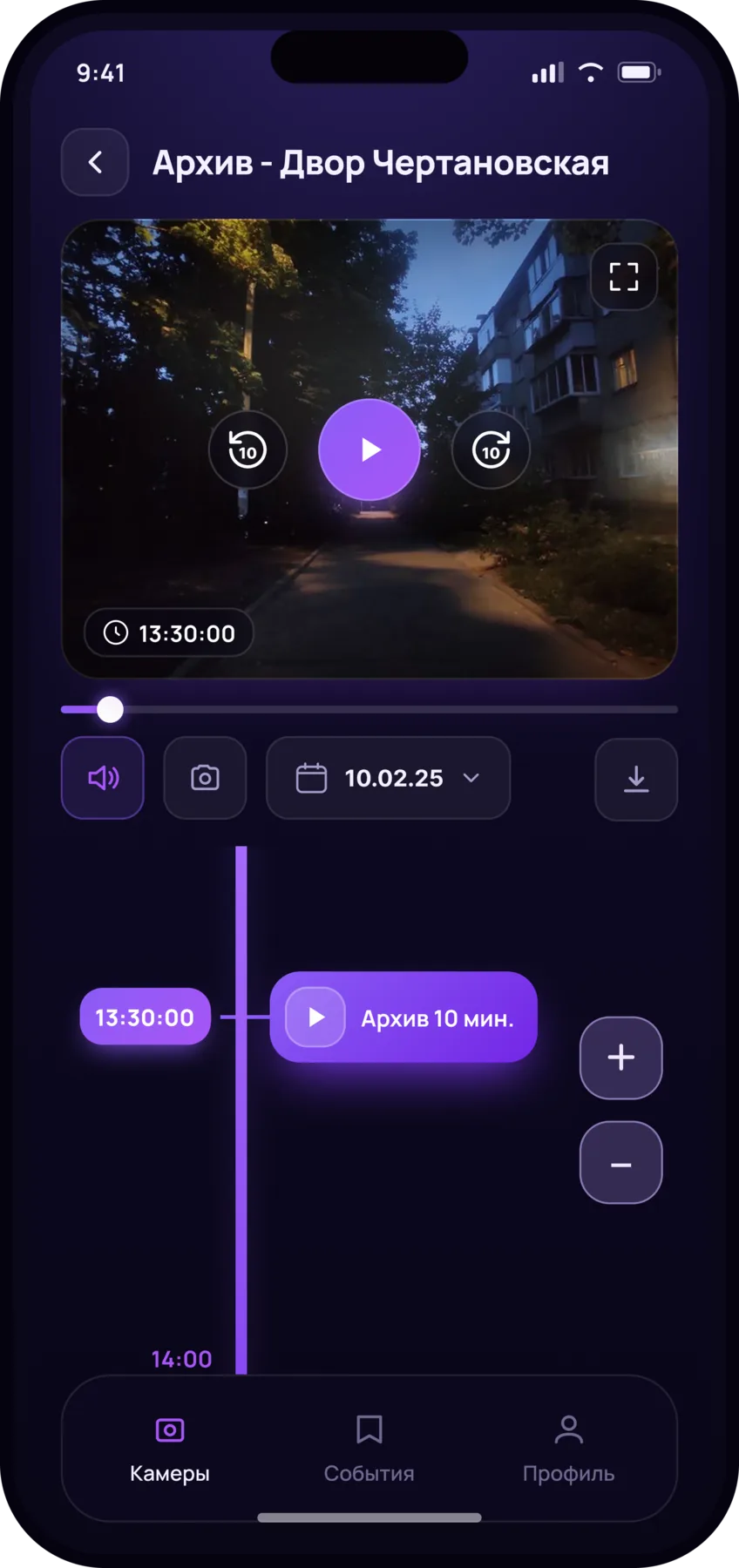
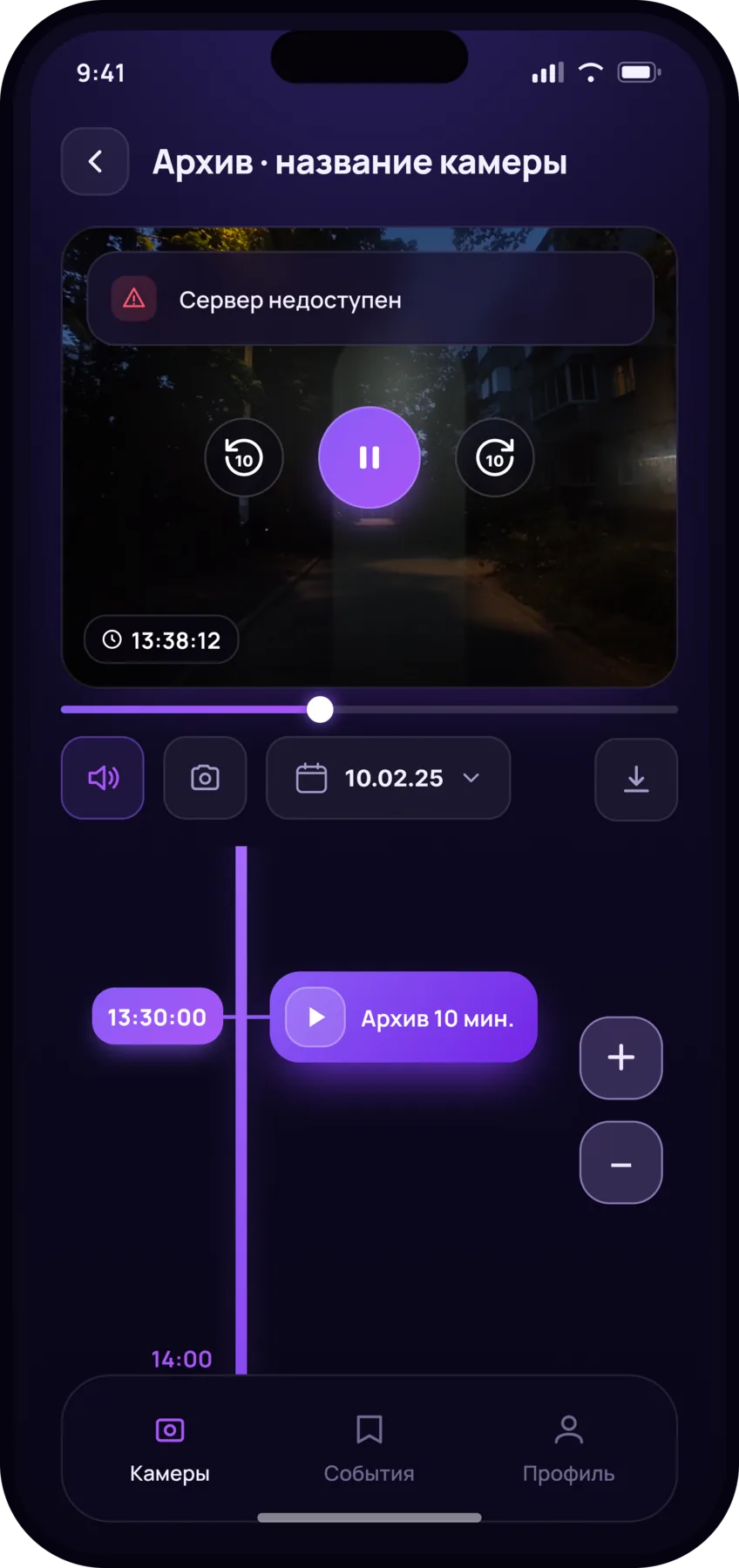
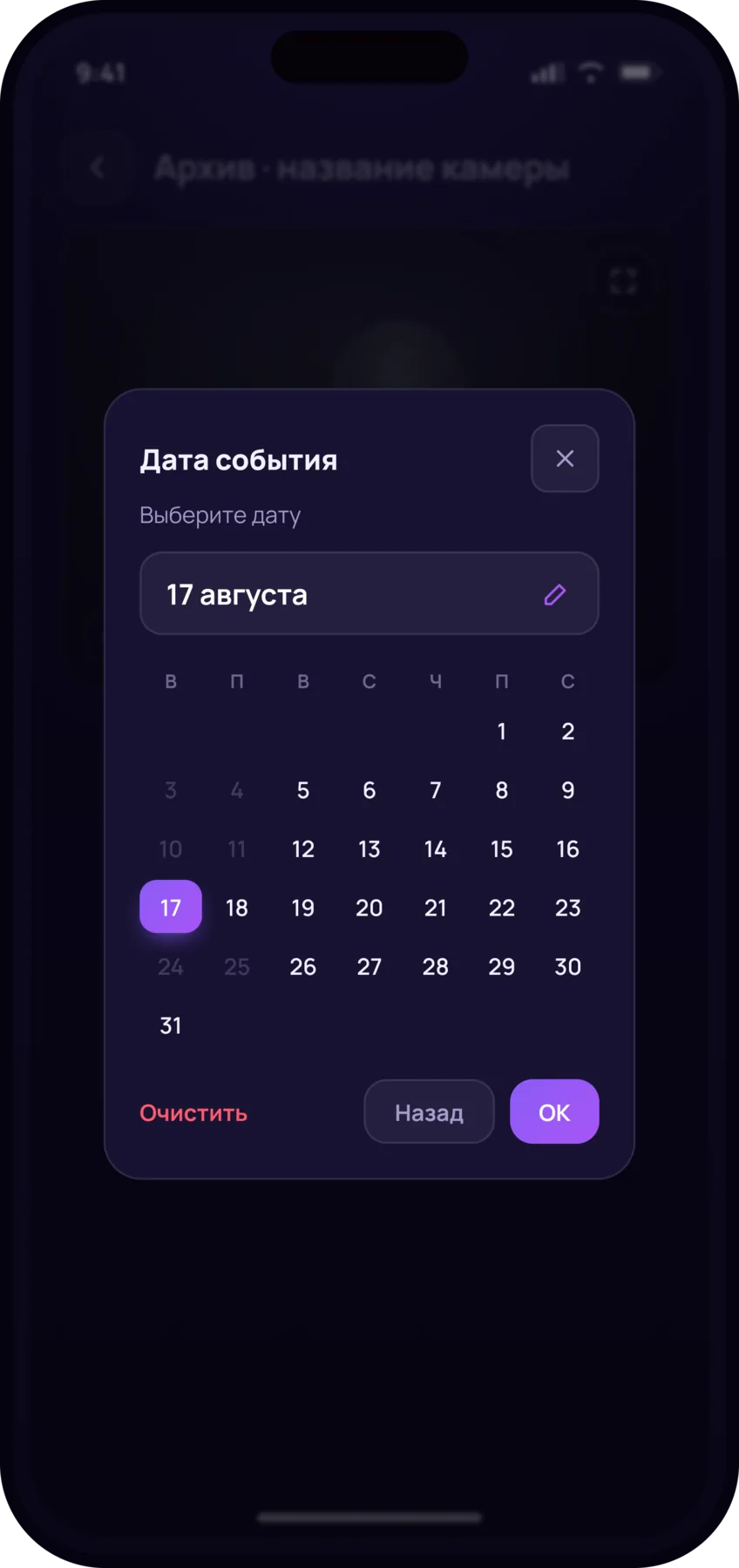
There were few comparable apps and no established pattern to borrow, so I looked for a way of handling time that would be immediately clear: the one people already know from ordinary video players. I settled on a zoomable timeline instead of typing a time: a rough scroll gets the operator close to the right moment, zoom narrows it down to minutes, and the selected segment is highlighted as it moves along the timeline.
I first drew it horizontally, the way video players do, but the job is different: the operator has to scroll through hours of recording while keeping the ten-minute stretch they are about to export in view. A vertical timeline holds more time, is easier to scroll with your thumb, and keeps the selected stretch visible in full.
Events
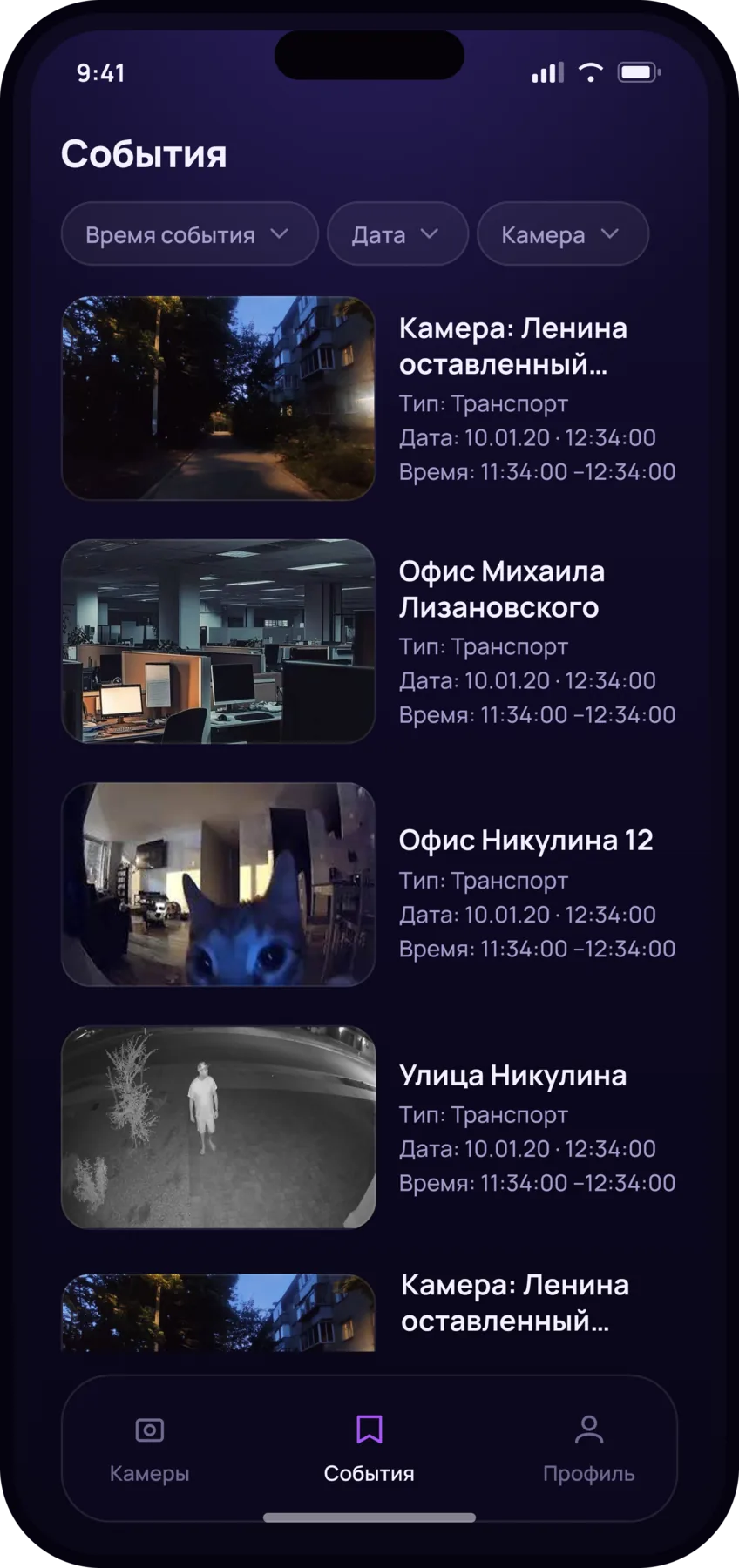
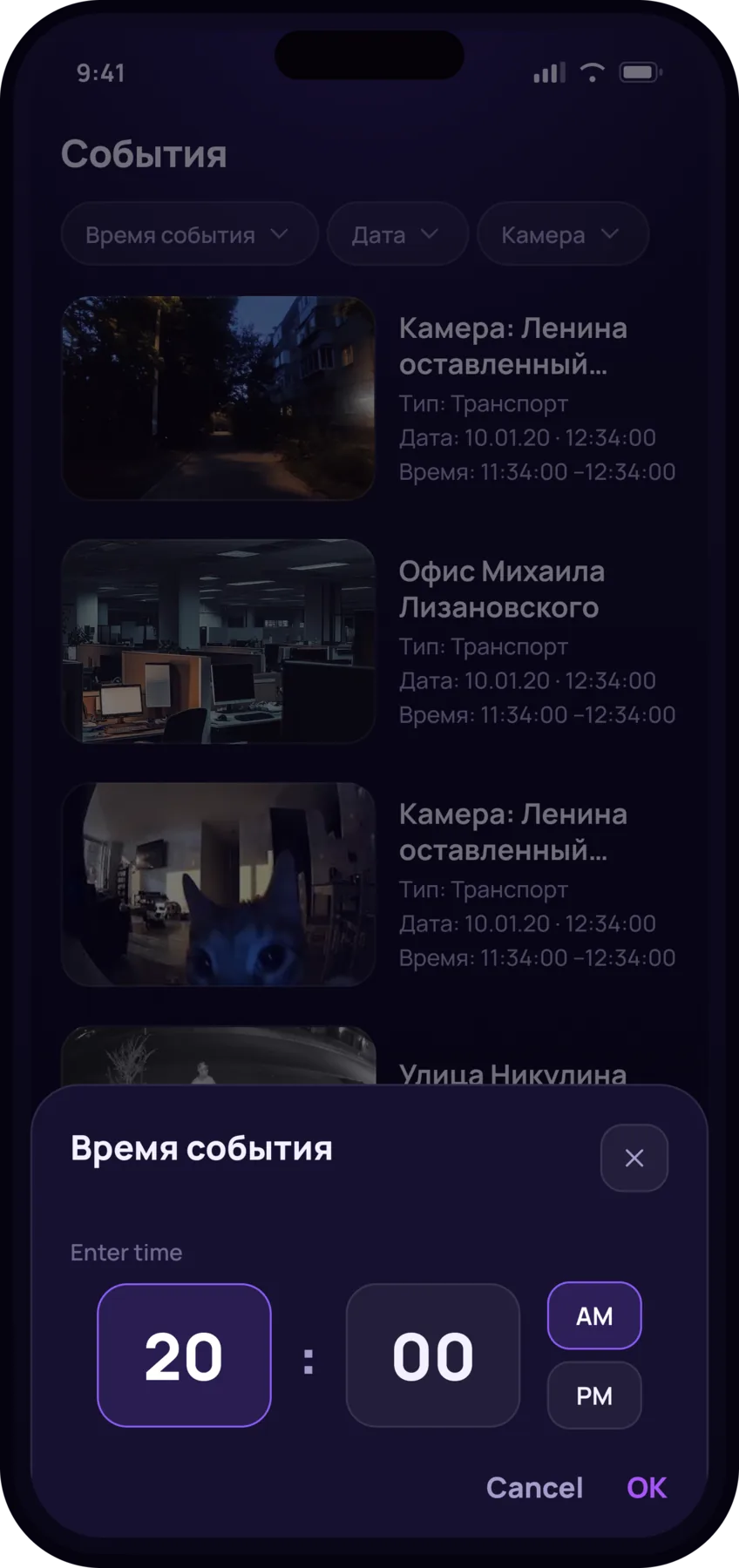
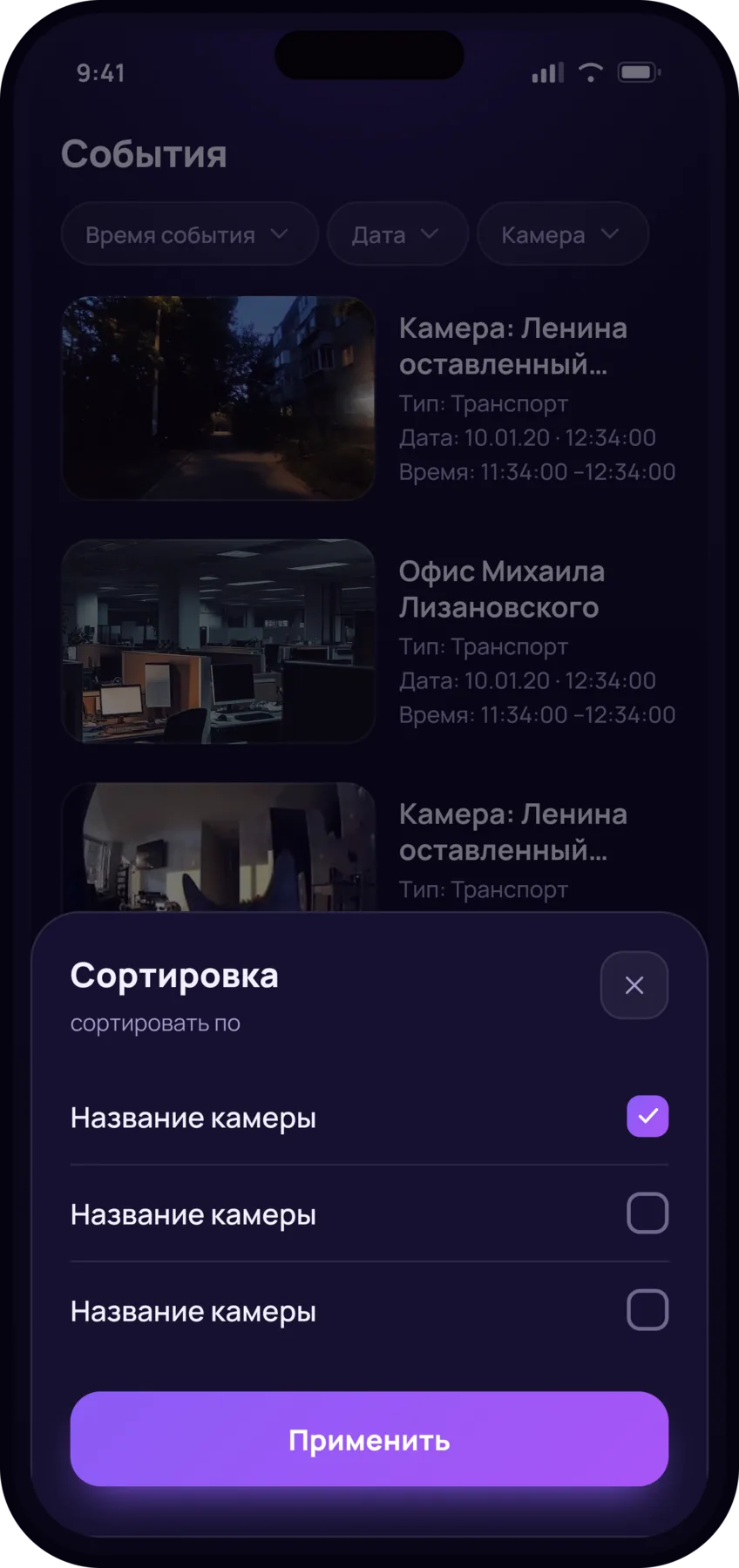
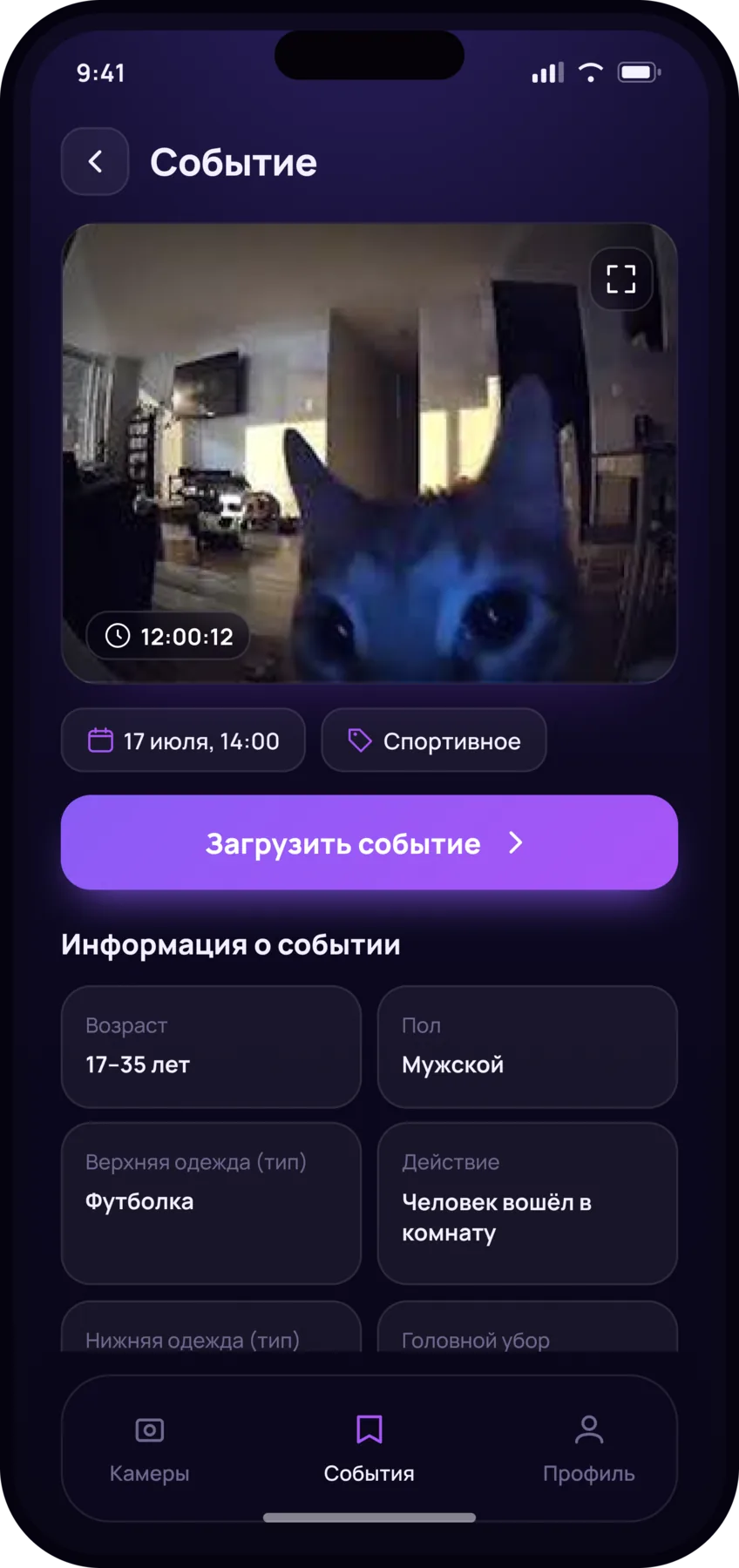
Events come in from every camera. Each one carries a thumbnail, the camera, the time and the detected object’s attributes. Which attributes you see depends on the event type. From an event you can jump to that camera’s archive: spot it, watch it, export it.
How it ended
The app shipped to production on time: the MVP came together in two months, in parallel with development. It is the client for a video surveillance system installed at 5,000+ business customers across 24 regions of Russia.